The summer window is fixed
Work inside occupied buildings often has to land between the last day of school and teacher return. A late submittal on hardware or MEP equipment can push a classroom handover past the first bell.
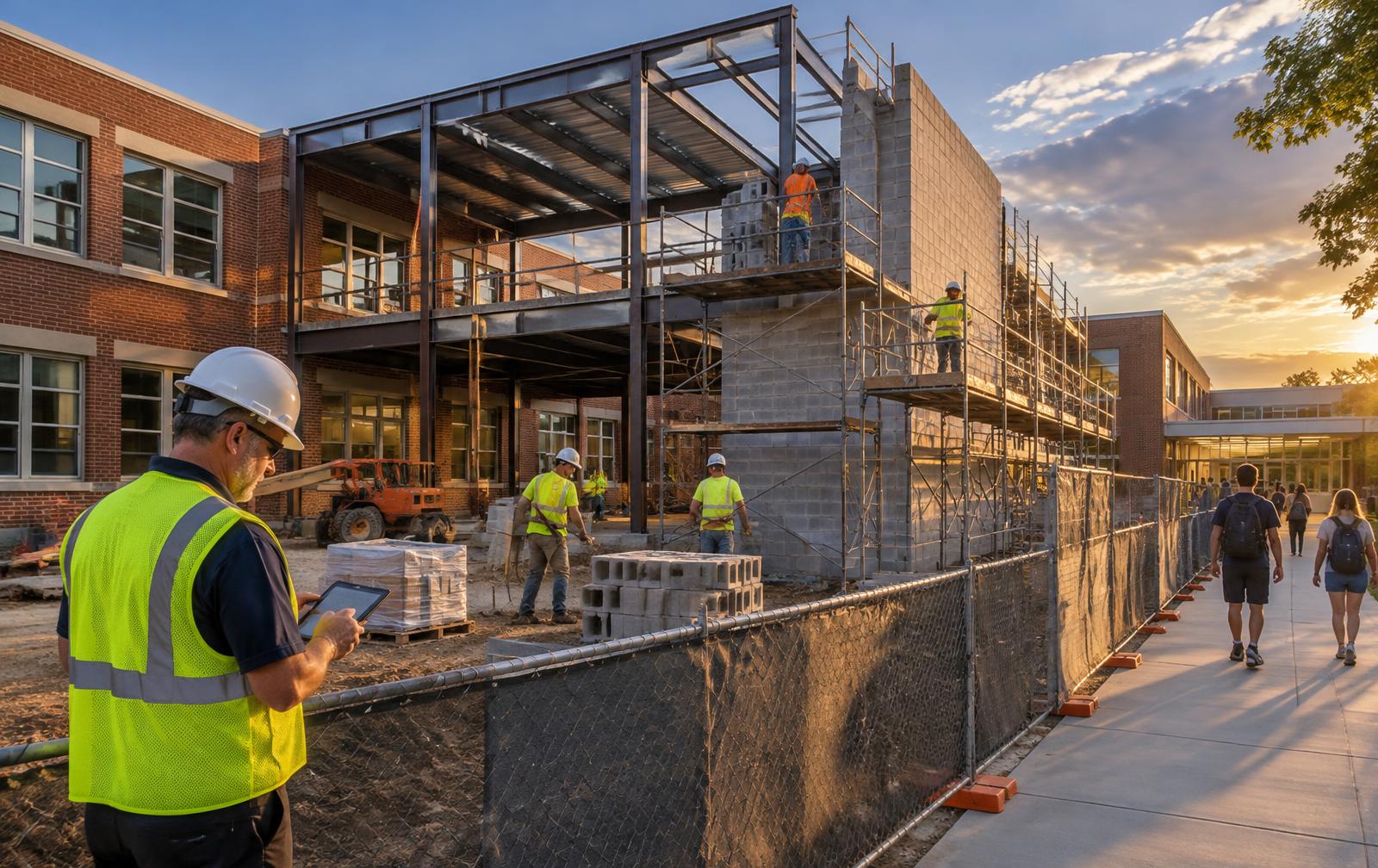
Construction management for education facilities
Jet.Build connects budgets, drawings, RFIs, submittals, change orders and reporting for K–12 and campus capital programs — with one dedicated account contact who sets it up with you and stays.
Photo: AI-generated illustrative image, not an actual Jet.Build project.
The reality
The problems are rarely the building itself. They are timing, visibility and coordination across many parties.
Work inside occupied buildings often has to land between the last day of school and teacher return. A late submittal on hardware or MEP equipment can push a classroom handover past the first bell.
Capital-program teams report to boards, oversight committees and the public in formats the district or institution sets. Rebuilding those numbers from spreadsheets each month invites drift.
Phasing, access routes, shutdowns and noise windows have to be agreed with principals, deans, facilities and IT — and the decisions need to be findable later.
Owners, owner's reps, architects, CMs, GCs and trade partners all touch the same RFIs, changes and drawings. Email threads do not show who is holding the ball.
What Jet.Build connects
Project controls that typically live in separate spreadsheets, inboxes and drives, kept together.
Track budgets, commitments and change orders per project so program staff can see where a bond package stands before the next board update.
Keep drawings, specs and project documents organized and versioned, so field and office teams work from the same set.
Log, route and follow up on RFIs and submittals with clear ownership and due dates — useful when long-lead items drive a summer schedule.
Route change requests through approval steps you define and keep the decision trail attached to the project record.
Pull project and portfolio status into reports structured around the owner-defined categories your program already uses.
Set milestones such as substantial completion before move-in, and give internal and external stakeholders access to what they need.
12
Projects
18
Approved changes
2
At-risk turnovers
Workflows
Example workflows, written from the buyer's side. Your configuration is set up around your own process.
K–12 capital-program manager
University construction manager
Owner's representative
General contractor
Project types
Implementation & support
Every account gets the same dedicated contact for setup, training and support. No ticket queue, no rotating reps. The setup is tailored to your program's project requirements.
Your account contact configures the workspace, permissions and workflow structure around how your program actually runs — projects, phases, approval paths.
Existing project records and documents are brought in as scoped in your agreement, and office, field and external partners are onboarded together.
The same person stays close during launch to answer configuration and workflow questions as your first projects move into the system.
Recurring live training keeps new staff, consultants and trade partners current. Training is part of the relationship, not sold separately.
Workflow adjustments, new projects, new team members and account changes go to the same contact who already knows your setup.
Evaluation checklist
A neutral list to bring to vendor conversations, including ours.
FAQ
No. Jet EDU is a teaching platform for student learning. This page is about Jet.Build construction management software for teams that plan, build and renovate school and campus facilities.
District capital-program teams, university and college facilities and construction departments, owner's representatives, construction managers and general contractors who need one place for budgets, documents, RFIs, submittals, change orders, approvals and reporting.
A dedicated account contact helps set up your account and workflows, supports data import and onboarding as scoped in your agreement, stays with you through go-live, and runs weekly training. The specific setup is tailored to your program's requirements.
Yes. Jet.Build's model is one dedicated account contact who continues as your point of contact for workflow changes, new projects and new users after go-live.
Pricing is generally based on active projects rather than per-seat fees, so you can bring in your whole team and partners. Integrations and onboarding are scoped per agreement. Your demo is the place to get specifics for your program.
No. Jet.Build is project management software. It does not certify school safety or regulatory compliance and does not replace your organization's procurement approvals. Confirm those requirements with your own procurement, legal and IT teams.
A representative project or program, your current reporting format, the approval steps you use for changes, and the list of internal and external parties who need access. The walkthrough focuses on those workflows.
Bring one real project. We'll walk through it in Jet.Build and show how setup, training and support would work for your team.